
The Right PC Starts With the Work.

Buying a desktop gets complicated fast. CPU names pile up, graphics cards can add hundreds of dollars, and it is easy to spend more without making the computer noticeably better for what you actually do.
Kumia starts from the opposite direction. Pick the kind of work the computer needs to handle, then build a balanced combination around it.
These five setups cover the most common starting points, from a simple home PC to a machine built for gaming and creative work. The exact models will change over time. The balance between the parts is what matters.
01
SETUP 01
Everyday PC
WHO IT’S FOR
Home & office users
You mainly use your computer for web browsing, email, Microsoft Office, YouTube, video calls, shopping, banking and storing personal photos.
You want it to feel quick and comfortable, but you do not need a gaming PC.
THE COMBINATION
- CPU
- Intel Core Ultra 5 225
- Graphics
- Integrated Intel Graphics
- Memory
- 16GB
- Storage
- 1TB SSD
Why this combination works
The most important decision here is actually what not to buy.
For normal home and office use, a separate graphics card usually adds cost without fixing a problem you have. Modern integrated graphics can handle Windows, web video, multiple monitors and the visual work involved in everyday applications. Leaving out the graphics card also keeps the system simpler and usually reduces its power and cooling requirements.
That lets more of the budget go toward the parts you notice every day.
A Core Ultra 5-class processor gives this kind of PC plenty of CPU headroom without moving into expensive high-end territory. Opening a large spreadsheet while keeping a browser full of tabs in the background should not require a premium gaming processor.
16GB of memory is the practical starting point here. An everyday PC is rarely running one program at a time. Chrome or Edge may already be using several gigabytes while Outlook, Word, Spotify and a video call are open beside it. Going below 16GB saves relatively little on a new desktop and makes that normal multitasking more likely to feel cramped.
The same reasoning makes 1TB a better default than a tiny SSD. Windows and applications take part of the drive before you save anything yourself. Photos, downloaded files and phone backups slowly accumulate, and a computer that starts with very little free storage can become annoying long before its processor becomes obsolete.
There is also no reason to chase an ultra-fast premium SSD for this setup. Opening a browser or Word document does not suddenly become twice as pleasant because the SSD has a much higher benchmark number. Capacity matters more here than buying the fastest drive available.
Put together, these parts give the Everyday PC enough performance to stay comfortable without paying for capabilities its owner probably will not use.
It is not meant for modern AAA gaming, regular 4K video production or heavy 3D work. Once those become part of the plan, adding a real graphics card changes the combination enough that one of the next setups makes more sense.
Ready-made options
Prefer to buy a complete PC? Here are current systems that follow this setup closely.
Configurations and availability can change. Check the linked product page for current details.
HP OmniDesk Desktop AI M03-0155t
SKU B6NG1AA#ABA
- Core Ultra 5 225
- Intel Graphics
- 16GB
- 1TB SSD
Why pick itThis is the closest ready-made match to Kumia’s Everyday PC setup, without paying for a discrete graphics card you probably do not need.
Watch forThe standard 16GB configuration may use a single memory module depending on the current SKU.
View productDell Slim Desktop ECS1250
- Core Ultra 5 225
- Intel integrated graphics
- 16GB
- 512GB SSD (base SKU)
Why pick itA compact major-brand alternative with the right CPU and memory level for ordinary home and office use.
Watch forThe currently verified configuration has 512GB rather than Kumia’s preferred 1TB, so check storage before buying.
View productLenovo IdeaCentre Tower Gen 10 (Intel)
- Core Ultra 5 / 7 family
- Integrated graphics configurations
- 16GB-class memory
- Up to 1TB-class SSD
Why pick itA conventional home tower for buyers who prefer Lenovo and want a straightforward, expandable desktop.
Watch forLenovo sells several configurations under this family, so verify the exact CPU, memory and storage before ordering.
View product02
SETUP 02
All-Purpose PC
WHO IT’S FOR
People who do a bit of everything
You use one desktop for almost everything: everyday work, lots of browser tabs, photo editing, occasional video work and some gaming.
You want enough graphics performance to go beyond a basic home PC, but you do not need a machine built around one specialized workload.
THE COMBINATION
- CPU
- Intel Core Ultra 5 250K Plus class
- Graphics
- GeForce RTX 5060 / 5060 Ti class
- Memory
- 32GB
- Storage
- 2TB SSD
Why this combination works
The goal here is not maximum performance. It is to avoid having one obvious weak point.
An Everyday PC can leave out the graphics card because most of its work never needs one. An All-Purpose PC is different. Once gaming, photo editing or occasional video work becomes part of the plan, a dedicated GPU starts to earn its place.
An RTX 5060-class card gives this PC enough graphics capability to handle much more than web and office work without pushing the whole machine into high-end gaming territory. It also means GPU-accelerated applications have real hardware to work with when you need them.
The CPU should follow the same idea. A modern Core Ultra 5-class desktop processor gives everyday applications plenty of headroom while still leaving a meaningful part of the budget for the graphics card. Spending heavily on a premium CPU would make less sense here if the GPU, memory or storage had to be cut back to pay for it.
32GB of memory is a good fit because this is the setup most likely to have several different jobs happening at once. A browser with many tabs, Office, a photo editor, Discord and a game can all end up sharing memory during a normal day. That kind of mixed use is where 32GB becomes more useful than it looks from any single application’s requirements.
2TB of SSD storage also fits the role better than a small drive. An All-Purpose PC tends to collect everything: applications, photos, videos, games and everyday files. It does not need an exotic premium SSD, but it benefits from having enough space that storage management does not become a regular chore.
This setup is deliberately less specialized than the next two. If gaming is the main reason you are buying the computer, the Gaming PC puts more emphasis on the graphics side. If editing and production are the priority, the Creator PC spends more on CPU, memory and GPU capability.
For someone who wants one desktop that can comfortably move between ordinary work and heavier personal use, this is the middle ground.
Ready-made options
Prefer to buy a complete PC? Here are current systems that follow this setup closely.
Configurations and availability can change. Check the linked product page for current details.
HP OMEN 16L TG03-0085t
SKU B73MMAA#ABA
- Core Ultra 7 265F
- RTX 5060 8GB
- 32GB
- 1TB SSD
Why pick itThe most balanced ready-made option here: enough GPU for gaming and accelerated apps, 32GB of memory, and no extreme high-end parts.
Watch forStorage is 1TB instead of Kumia’s preferred 2TB.
View productASUS ROG G700
Model family G700TF
- Core Ultra 5 225F-class
- RTX 5060 Ti-class
- 32GB-class
- 1TB SSD
Why pick itA more graphics-focused version of the All-Purpose idea without requiring a high-end CPU.
Watch forThe ROG styling is much more gaming-oriented, and exact RAM/storage vary by SKU.
View productAlienware Aurora ACT1250
- Core Ultra 7 265F
- RTX 5070 12GB
- 32GB
- 1TB SSD
Why pick itA step-up option for someone who wants considerably more graphics headroom while keeping strong general-purpose performance.
Watch forIt goes beyond the RTX 5060-class target and costs more than this category strictly requires.
View product03
SETUP 03
Gaming PC
WHO IT’S FOR
PC gamers
Gaming is the main reason you are buying the desktop, and you want strong modern game performance without paying for top-end parts everywhere.
You may use the PC for ordinary work as well, but game performance decides where most of the budget should go.
THE COMBINATION
- CPU
- AMD Ryzen 5 9600X class
- Graphics
- Radeon RX 9060 XT 16GB class
- Memory
- 32GB
- Storage
- 2TB SSD
Why this combination works
For a gaming PC, the graphics card deserves more of the budget than an oversized CPU.
It is easy to look at CPU model numbers and assume that moving to a Ryzen 9 or another premium processor automatically makes a gaming PC much better. In this class of machine, that can be the wrong place to spend the extra money.
A Ryzen 5 9600X-class processor gives the system a strong modern CPU without consuming the budget that should be supporting the graphics card. For most people shopping in this part of the market, pairing a capable midrange CPU with a stronger GPU produces a more sensible gaming machine than pairing an expensive CPU with a weaker graphics card.
The RX 9060 XT 16GB class is where this setup puts the extra emphasis. The goal is a PC that is comfortable with modern games at 1440p rather than a machine that simply looks impressive on a specification sheet. The 16GB of graphics memory also gives the GPU more room for demanding textures and newer titles than lower-capacity alternatives.
32GB of system memory fits the way a gaming PC is actually used. The game is rarely the only thing running. Discord, a browser, launchers, recording tools and background applications can all be open at the same time. The point is not that every game needs 32GB by itself. It is that the whole PC should remain comfortable while gaming.
Storage deserves more attention here too. Large game installations make a 1TB drive feel smaller very quickly. A 2TB SSD lets you keep a useful library installed without immediately turning storage management into part of the gaming routine.
This setup is not trying to be a workstation. If you spend most of your day rendering, editing large video projects or working with heavy production software, the Creator PC makes better use of the budget.
For someone who mainly wants to play current PC games well, the combination stays focused on the part of the machine that does most of the visual work.
Ready-made options
Prefer to buy a complete gaming PC? Here are current systems that follow this setup closely.
Configurations and availability can change. Check the linked product page for current details.
CyberPowerPC GML 99730
Model ET99730
- Ryzen 7 9700X
- Radeon RX 9060 XT 16GB
- 32GB
- 2TB SSD
Why pick itThe closest complete system to Kumia’s Gaming PC target, including the 16GB GPU, 32GB memory and 2TB storage.
Watch forThe Ryzen 7 CPU is one tier above the Ryzen 5-class target, so part of the budget is going into extra CPU performance.
View productiBUYPOWER RDY Slate 8MP R01
- Ryzen 7 9700X
- Radeon RX 9060 XT 16GB
- 32GB
- 2TB SSD
Why pick itSimilar core specs to the CyberPowerPC, with a different case, support experience and warranty route.
Watch forThe specification is very close to the first option, so compare current warranty, shipping and total price.
View productSkytech Azure 3
Model ST-AZURE3-1986-B-AL
- Ryzen 7 7700
- Radeon RX 9060 XT 16GB
- 32GB
- 1TB SSD
Why pick itKeeps the important 16GB RX 9060 XT and 32GB of RAM while using an older CPU platform to reduce cost.
Watch forThe CPU is older and storage drops to 1TB.
View product04
SETUP 04
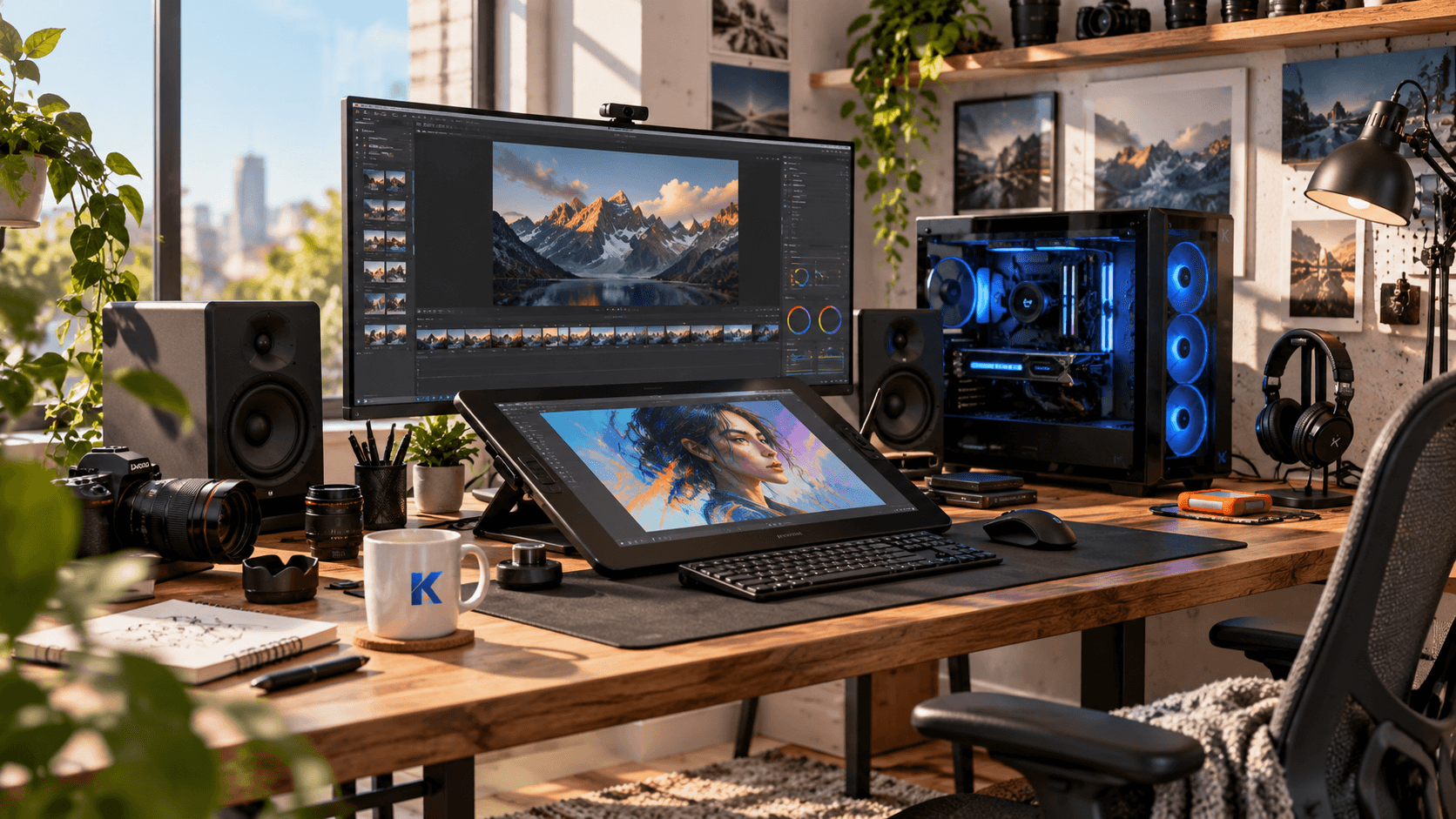
Creator PC
WHO IT’S FOR
Video, photo & creative professionals
You regularly edit video, work with large photo libraries, create graphics, render projects or use other demanding production software.
Waiting for exports, previews and heavy workloads matters more to you than saving a few hundred dollars on the initial PC.
THE COMBINATION
- CPU
- Intel Core Ultra 7 270K Plus class
- Graphics
- GeForce RTX 5070 Ti class
- Memory
- 64GB
- Storage
- 2TB+ SSD
Why this combination works
Creative work can lean on the CPU, GPU and memory at different times, so this setup cannot afford to make only one part fast.
The budget changes once the computer becomes a production tool. A Gaming PC can keep the CPU relatively modest and direct more money toward graphics performance. A Creator PC needs a stronger balance across several parts because different applications and different stages of the same project can stress different hardware.
A Core Ultra 7 270K Plus-class processor gives this machine more CPU resources for work such as encoding, rendering, background processing and other tasks that can benefit from sustained multi-core performance. That extra CPU capacity has a much clearer purpose here than it does in an ordinary home PC.
The graphics card still matters. Modern editing, effects, 3D and creative applications can use GPU acceleration heavily, so pairing a strong processor with a weak GPU would simply move the bottleneck. An RTX 5070 Ti-class card gives the system substantial GPU capability and broad support across popular creative software.
64GB of memory is part of the same balance. Large projects, high-resolution media and several creative applications open together can consume much more memory than normal desktop use. The purpose of 64GB is not to make Word or a browser faster. It is to keep a production workflow from becoming constrained when project sizes grow.
Storage needs a slightly different mindset too. 2TB should be treated as a starting point rather than an unusually large drive. Source footage, project files, caches and exports can consume space quickly. Some creators will eventually want separate project or archive drives, but the main system should begin with enough local SSD capacity to work comfortably.
This PC can obviously play games, but gaming is not the reason its budget is distributed this way. The extra CPU and memory are there because they can save real time during production work.
If creative applications are something you only open occasionally, the All-Purpose PC is the more economical choice. This setup makes sense when producing content is a regular part of what the computer is for.
Ready-made options
Prefer to buy a complete workstation-style PC? Here are current systems that follow this setup closely.
Configurations and availability can change. Check the linked product page for current details.
iBUYPOWER Intel Core Ultra Workstation
- Core Ultra 7 270K Plus (configurable)
- RTX 5070 Ti 16GB
- 64GB
- 2TB SSD
Why pick itThe closest match to Kumia’s Creator PC and one of the few systems built explicitly around workstation-style use.
Watch forIt is configurable rather than one fixed SKU, so verify every selected component before ordering.
View productHP OMEN 45L GT22-3000t
- Core Ultra 9 285K-class
- RTX 5070 Ti (configurable)
- 64GB
- 2TB SSD
Why pick itA major-OEM option with more CPU headroom for demanding production workloads.
Watch forIt is substantially more expensive and must be configured carefully to keep the RTX 5070 Ti and 64GB target.
View productAlienware Aurora ACT1250
- Core Ultra 9 285K
- RTX 5070 Ti 16GB
- 64GB
- 2TB SSD
Why pick itA major-brand alternative for creators who also want a gaming-capable desktop in a ready-made chassis.
Watch forThe chassis and product positioning are gaming-first rather than creator/workstation-first.
View product05
SETUP 05
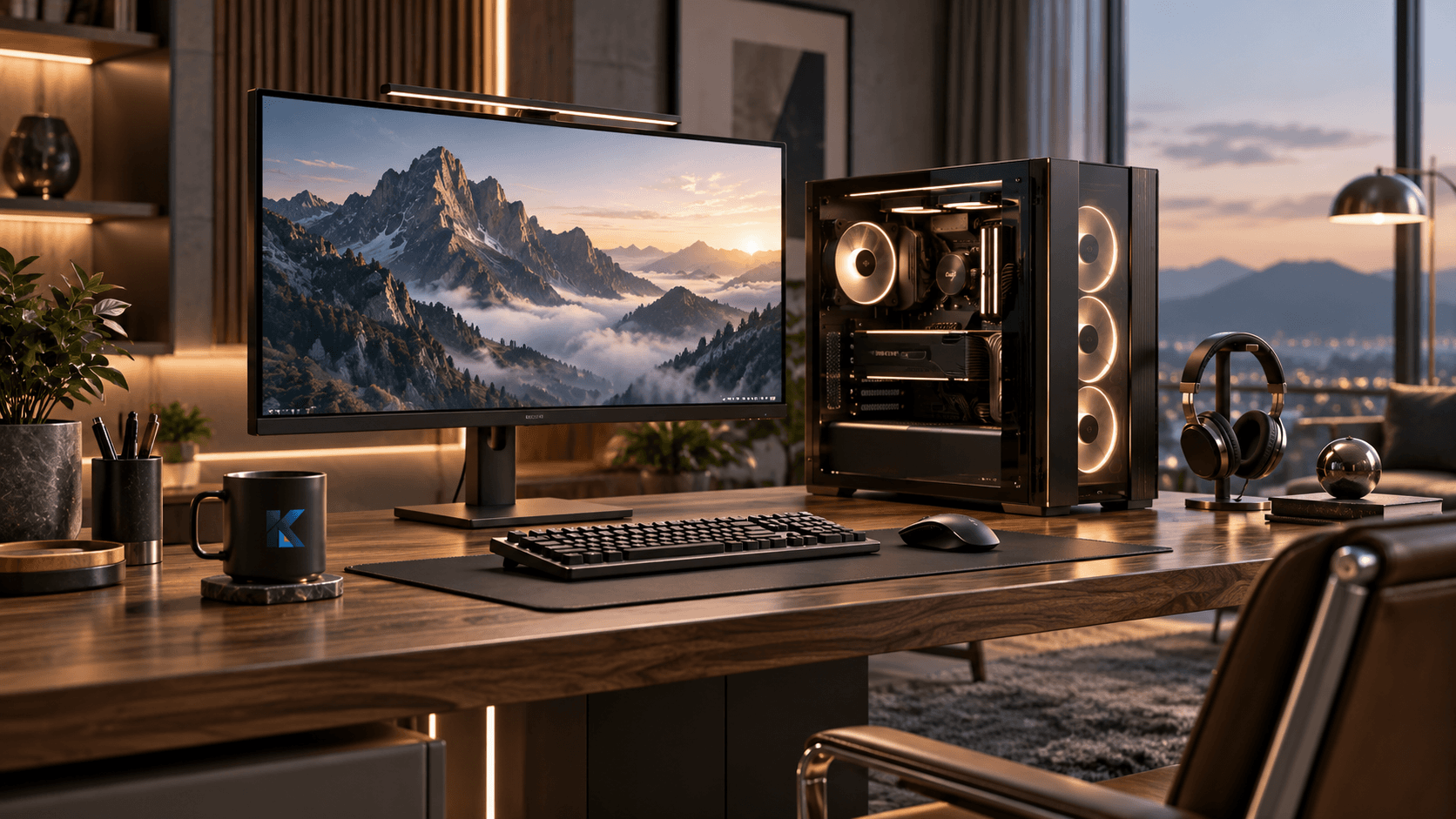
Premium All-Purpose PC
WHO IT’S FOR
Power users who want one PC for everything
You want one desktop for high-end gaming, serious creative work and demanding everyday use without maintaining separate machines.
Price matters, but reducing compromises matters more.
THE COMBINATION
- CPU
- AMD Ryzen 9 9950X3D
- Graphics
- GeForce RTX 5080 class
- Memory
- 64GB
- Storage
- 4TB SSD
Why this combination works
This setup only makes sense if you will actually use both sides of its performance.
A premium desktop should not exist just to put the most expensive parts in one case. The reason to move this far beyond the other four setups is that the computer is expected to handle demanding gaming and demanding production work without being rebuilt around one of them.
The Ryzen 9 9950X3D fits that role because it combines a high-end multi-core CPU with a design aimed at strong gaming performance as well. Instead of choosing a gaming-focused system that gives up production performance, or a workstation-style CPU that is more than the gaming side needs, this class of processor is meant for users who genuinely care about both.
An RTX 5080-class GPU follows the same logic. It gives the machine enough graphics performance for demanding games while also providing substantial acceleration for creative and GPU-heavy applications. At this point the GPU is no longer being chosen just because the PC needs a display output or occasional graphics capability. It is one of the core reasons the system costs what it does.
64GB of memory keeps the rest of the system consistent with that level of use. A premium machine that runs large creative workloads should not have to close ordinary applications simply to free memory for a project. At the same time, going far beyond 64GB would be unnecessary for many people unless their professional workload specifically calls for it.
4TB of SSD storage is also easier to justify in a machine that combines roles. A large game library can occupy hundreds of gigabytes, and creative project files can consume storage even faster. Giving both types of work room on the same system prevents an expensive PC from immediately depending on constant file cleanup.
The important part is who should not buy this setup. A person who mainly browses the web will never use most of it. Someone who only games can build a more focused Gaming PC. Someone who only creates content may prefer a workstation configured specifically around those applications.
The Premium All-Purpose PC is for the smaller group of people who genuinely want one desktop to cover both high-end gaming and serious work, and are willing to pay to keep compromises low.
Ready-made options
Prefer to buy a complete high-end PC? Here are current systems that follow this setup closely.
Configurations and availability can change. Check the linked product page for current details.
Skytech King 95
Model ST-KING95-1684-B-AL
- Ryzen 9 9950X3D
- RTX 5080 16GB
- 64GB
- 4TB SSD
Why pick itA near-exact match to Kumia’s Premium setup, including the CPU, GPU, memory and 4TB storage target.
Watch forThis is firmly premium-priced and only makes sense if both gaming and heavy work matter.
View productCyberPowerPC GML 99699
Model ET99699
- Ryzen 9 9950X3D
- RTX 5080 16GB
- 64GB
- 4TB SSD
Why pick itAnother exact-spec match that can be compelling when priced below similarly equipped premium systems.
Watch forKumia has not yet confirmed a direct publisher affiliate path for CyberPowerPC.
View productiBUYPOWER AMD Ryzen Creator Gaming PC
- Ryzen 9 9950X3D
- RTX 5080
- 64GB
- 2TB standard / 4TB configurable
Why pick itA configurable option designed around both gaming and creator workloads, which fits the purpose of this category well.
Watch forCPU and storage choices must be checked because this is not one fixed specification.
View product